Navijin Support Center
Real engineers. Real answers.
Help for every Navijin switch, access point, gateway, camera and phone: open a ticket, download firmware and manuals, check your warranty or learn with step-by-step videos.

Start here
What do you need help with?
Report a problem and follow every update with our engineers in the Support Center.
Open a ticket Technical contact formSend your question straight to the technical team, with your model and serial number.
Contact technical Firmware & security updatesSigned firmware releases, release notes and our patch policy for every product line.
Get firmware Documentation & downloadsDatasheets, user manuals, quick-start guides, catalogues and tools.
Browse documents Warranty & RMAHow to report a faulty product and get it repaired or replaced through Navijin or your partner.
Warranty process Verify a productCheck that a serial number is genuine and see its warranty status in seconds.
Verify now Community tutorialsHundreds of step-by-step guides for configuration, troubleshooting and security.
Read tutorials NavCloudMonitor and manage your Navijin gateways, access points and switches from anywhere.
Sign in to NavCloudGetting help
How to open a support request
- Check the guides
Most questions are answered in the manual, a tutorial or a video below.
- Collect the details
Model, serial number, firmware version and a short description with screenshots or logs.
- Open a ticket
Use the Support Center or the technical form, or contact your authorised Navijin partner.
- Diagnose and resolve
Our engineers troubleshoot with you and start an RMA if the hardware is faulty.
Video library
Watch, learn, fix
Short videos about Navijin products, setup and solutions.
 01:23
Become a Navijin Partner in Your Region!
Apr 15, 2026 01:11
Navijin Technology Introduction Video
Apr 15, 2026 01:06
Navijin's Wireless Technologies
Apr 15, 2026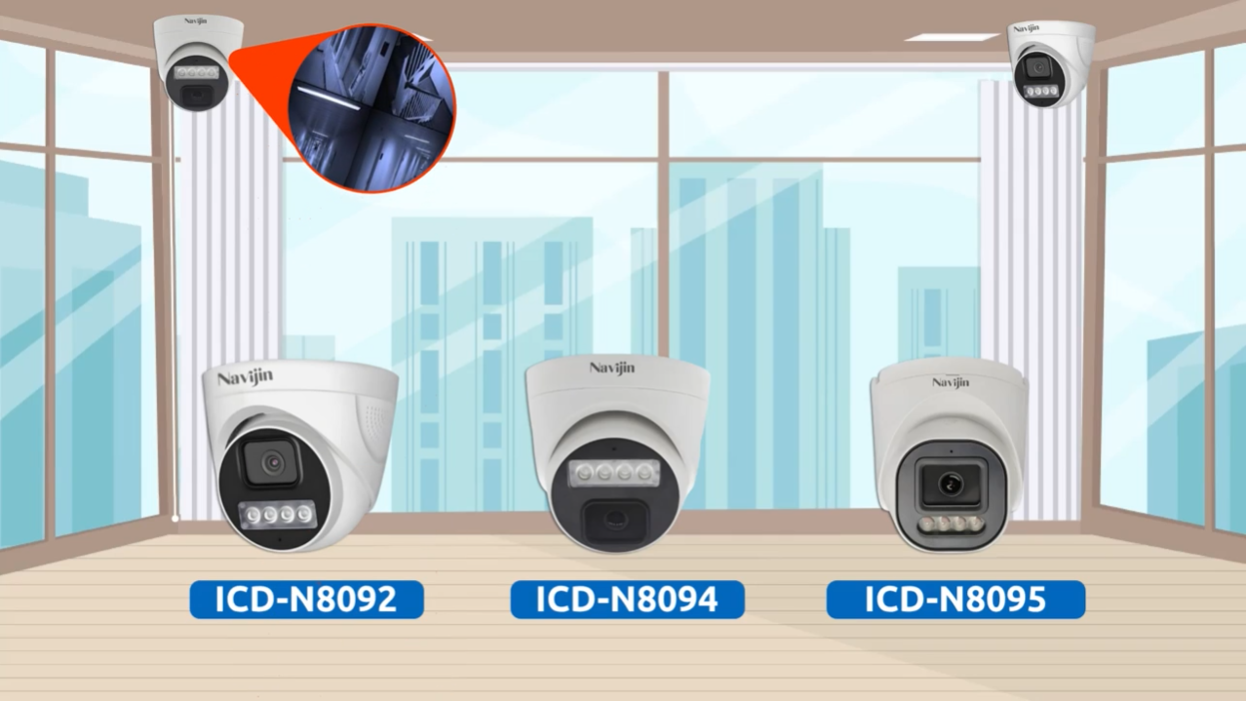 00:58
Navijin's Video Surveillance Solution!
Apr 15, 2026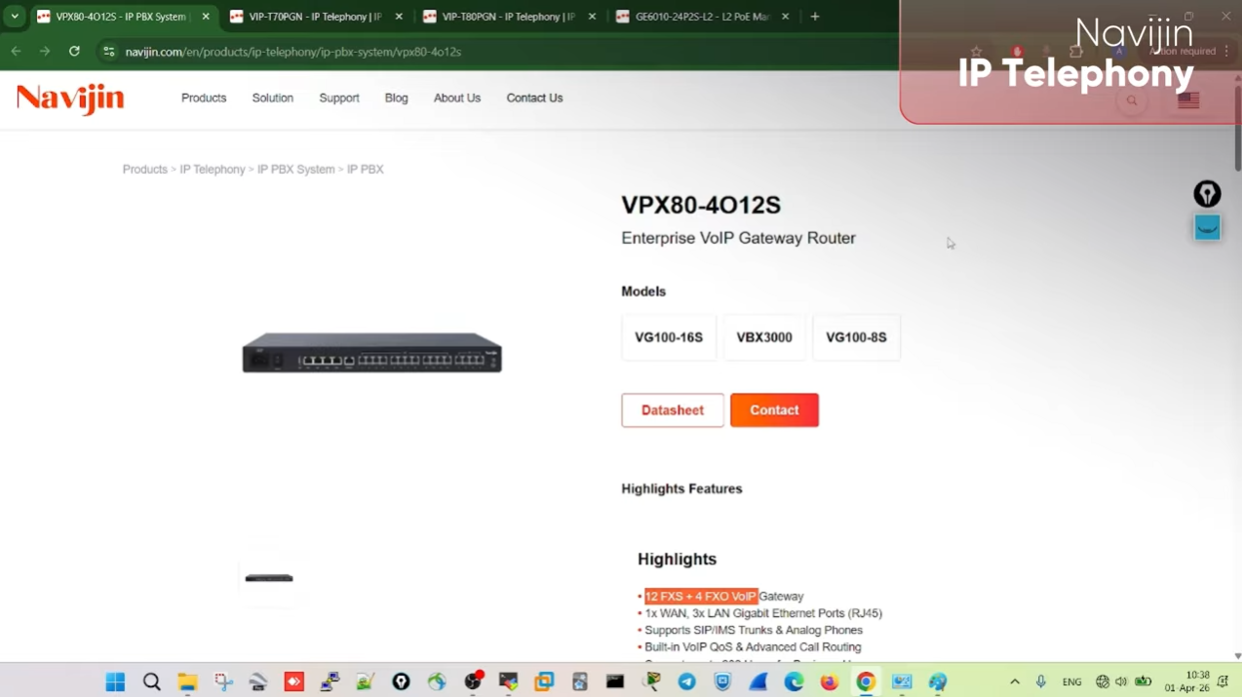 14:17
Начальная настройка IP-телефонии Navijin | VPX80-4O12S и IP-телефоны VIP серии
Apr 15, 2026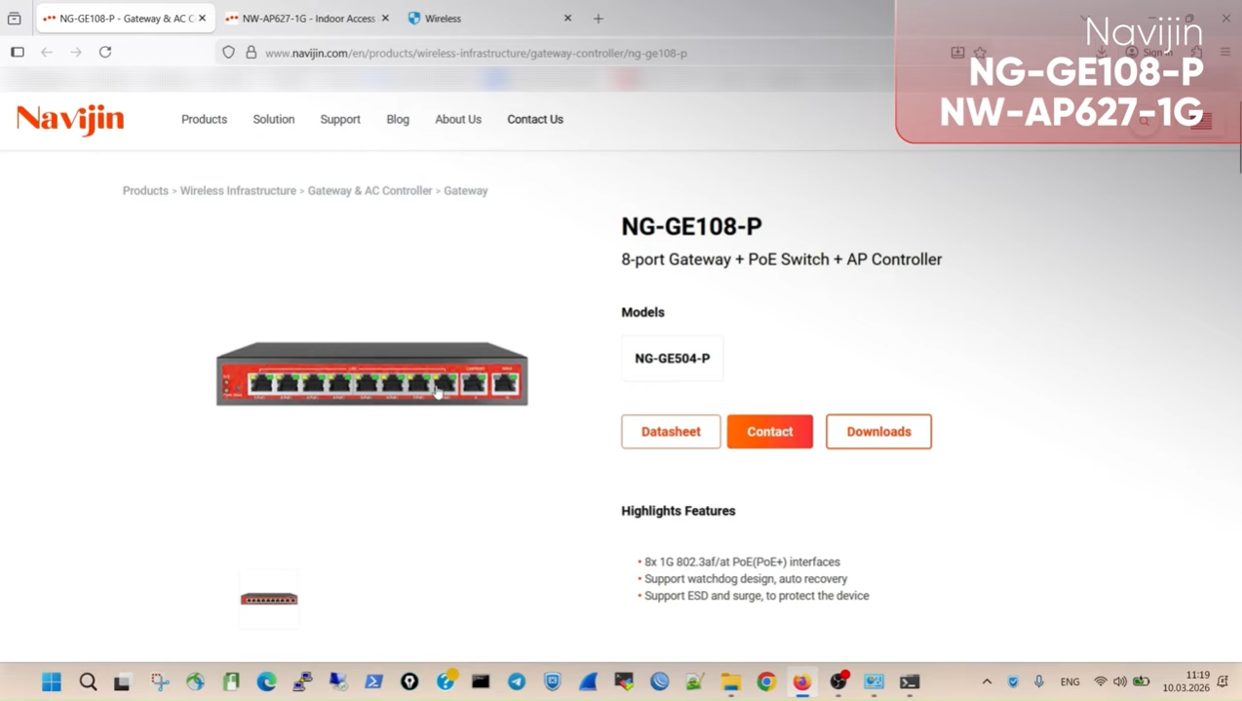 08:19
Начальная настройка NG-GE108-P и NW-AP627-1G
Apr 15, 2026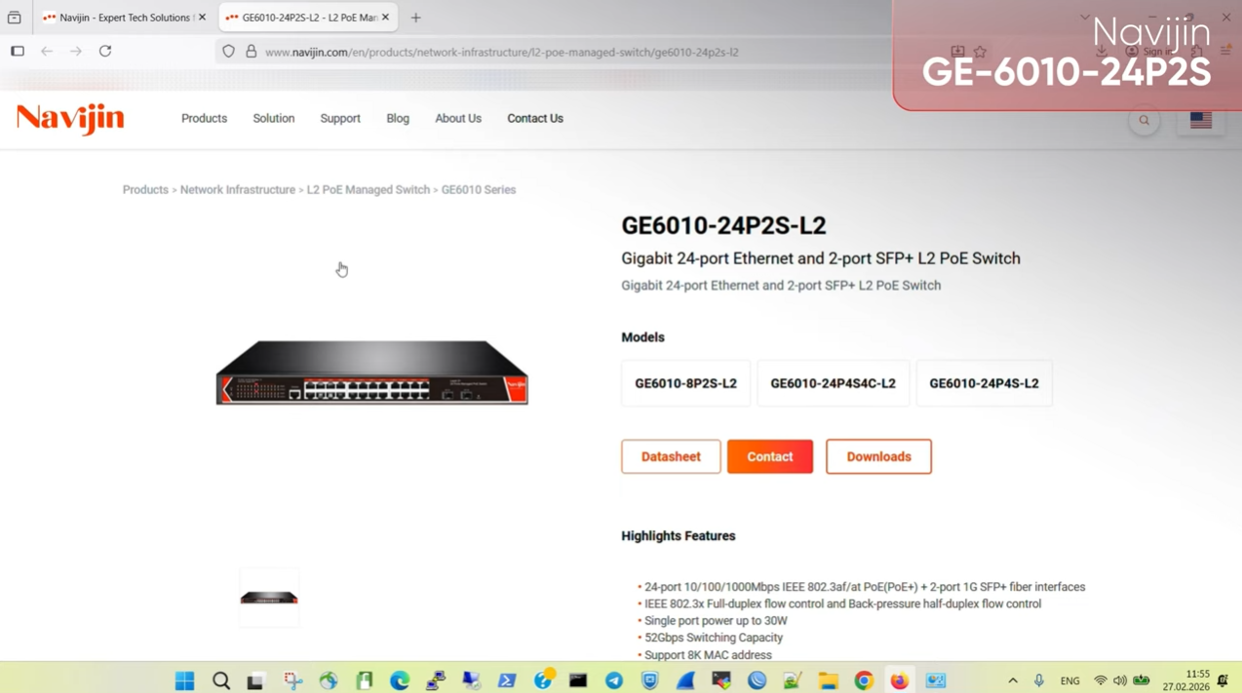 11:13
Конфигурация коммутатора Navijin Layer 2 Switches
Apr 15, 2026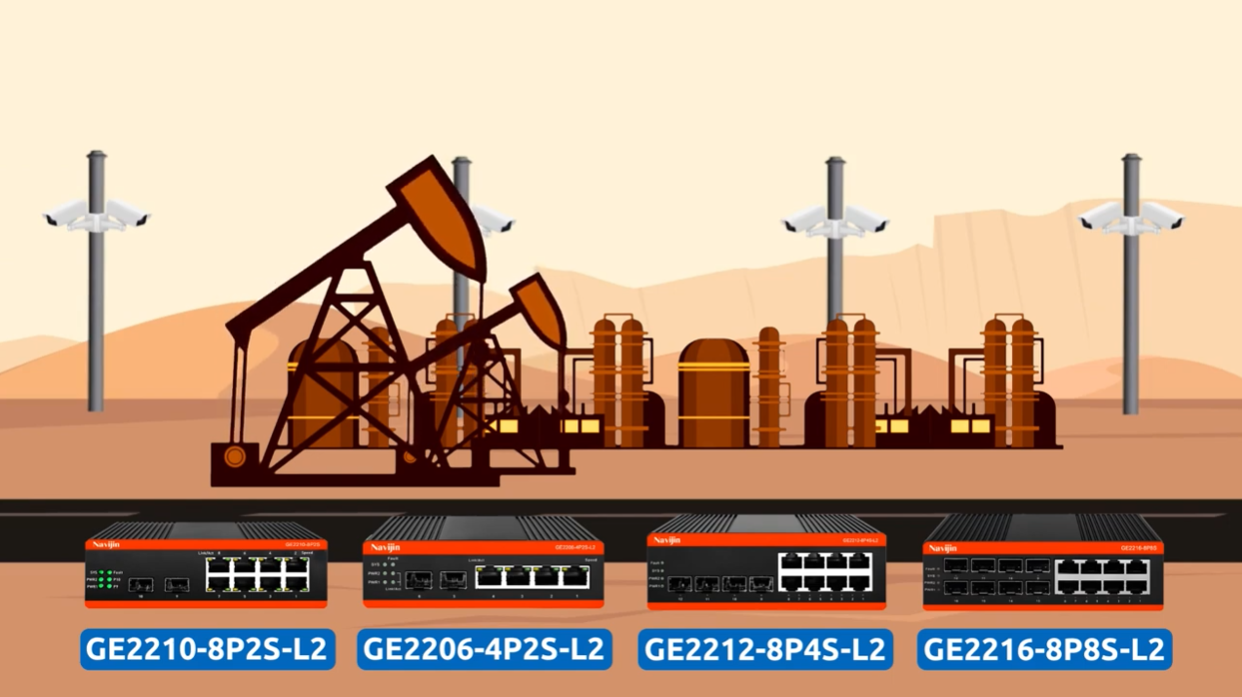 01:23
Navijin Switch Solutions: Enhancing Connectivity and Efficiency
Apr 15, 2026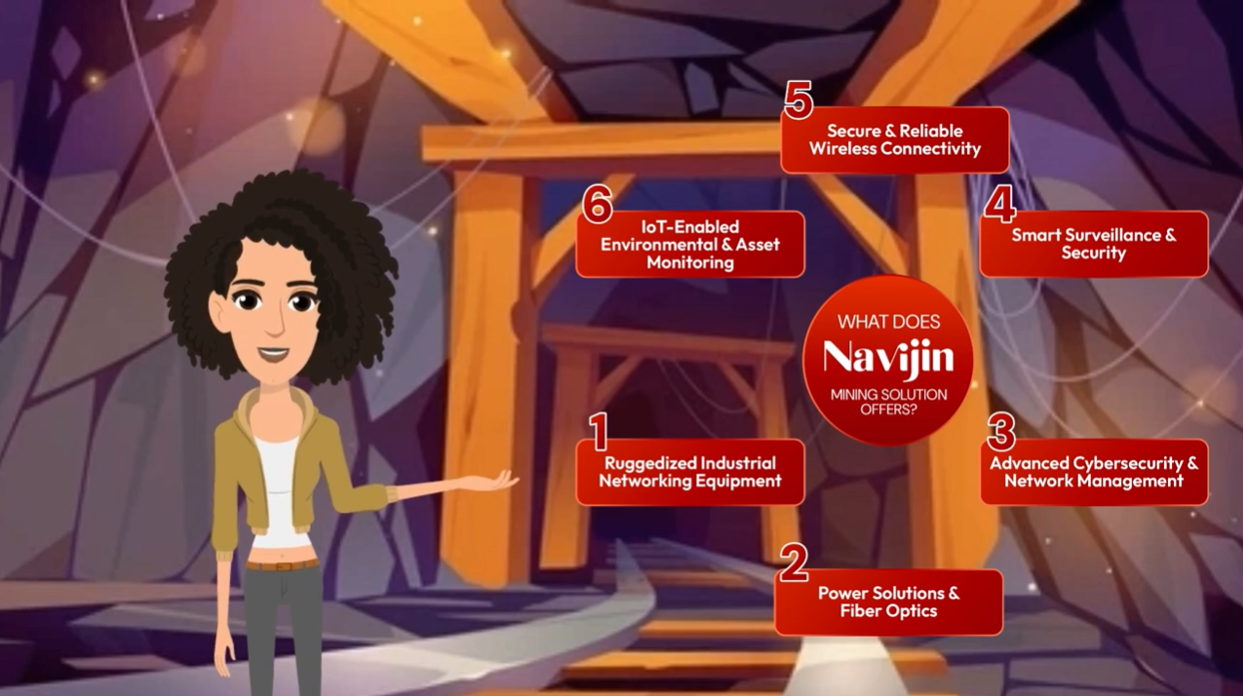 01:14
Powering Mining Operations - Navijin’s Secure & Scalable Network Infrastructure!
Apr 15, 2026 01:39
Navijin product news: GE6010-24P2S-L2
Apr 15, 2026 01:18
Navijin product news: GEIN1210-8P2S
Apr 15, 2026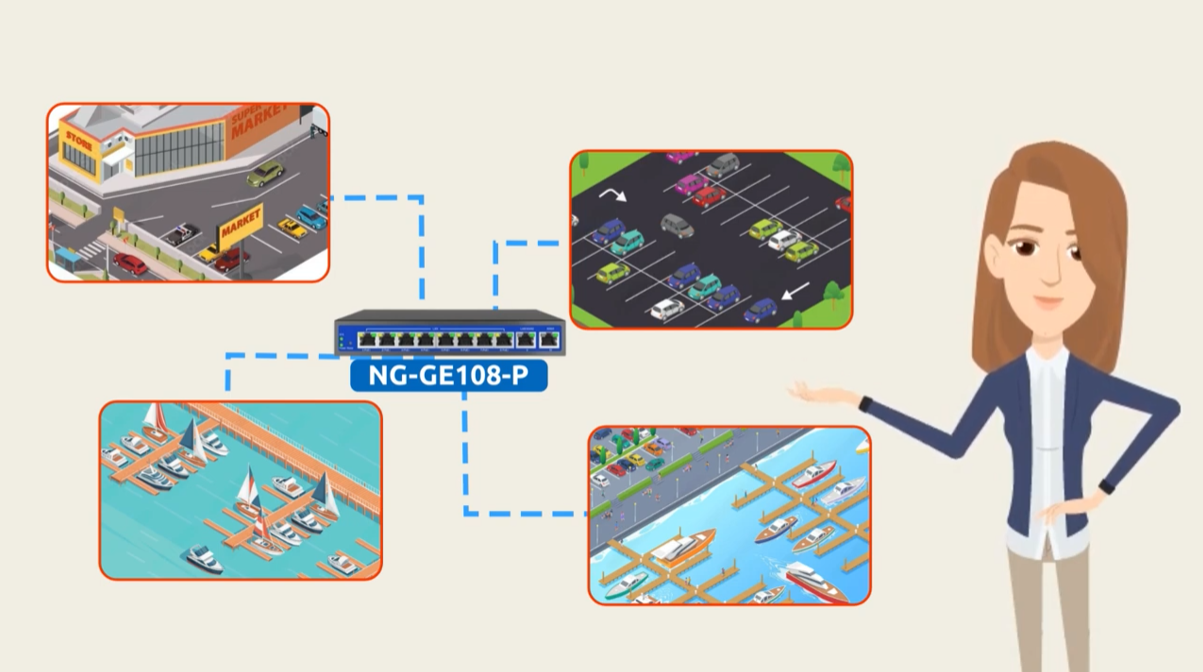 01:59
Streamline Your Marina - Navijin’s All-in-One Solution for Security and Connectivity!
Apr 15, 2026
Learn more
Build your skills with Navijin
Online courses, exams and certificates for engineers and partners.
Go to Academy Hands-on labTry NavCloud and the gateway, access point and switch simulators in your browser.
Open the lab Manuals and guidesRead the user manual for your product, from first setup to advanced features.
Open documentationSecurity
Keep your network secure
Install signed firmware updates, change default passwords, keep management on a dedicated network and switch off services you do not use. Found a vulnerability? Report it to our security team.
Questions
Frequently asked questions
Where can I download firmware for my Navijin device?
Signed firmware and release notes are on the Firmware & security updates page. Manuals and tools are on the documentation page and on each product page.
How do I check if my product is under warranty?
Enter the serial number on the product verification page, or ask the partner who supplied the product.
How do I return a faulty product?
Open a support ticket with the serial number and a description of the fault. If our engineers confirm a hardware fault, they start the RMA process with you or your partner.
Can my partner support me?
Yes. Authorised Navijin partners give first-line support and installation help, and they work directly with our engineers when needed.
How do I report a security vulnerability?
Follow the instructions on our cybersecurity page. Reports go straight to the Navijin security team.