Practice is where networking is learned
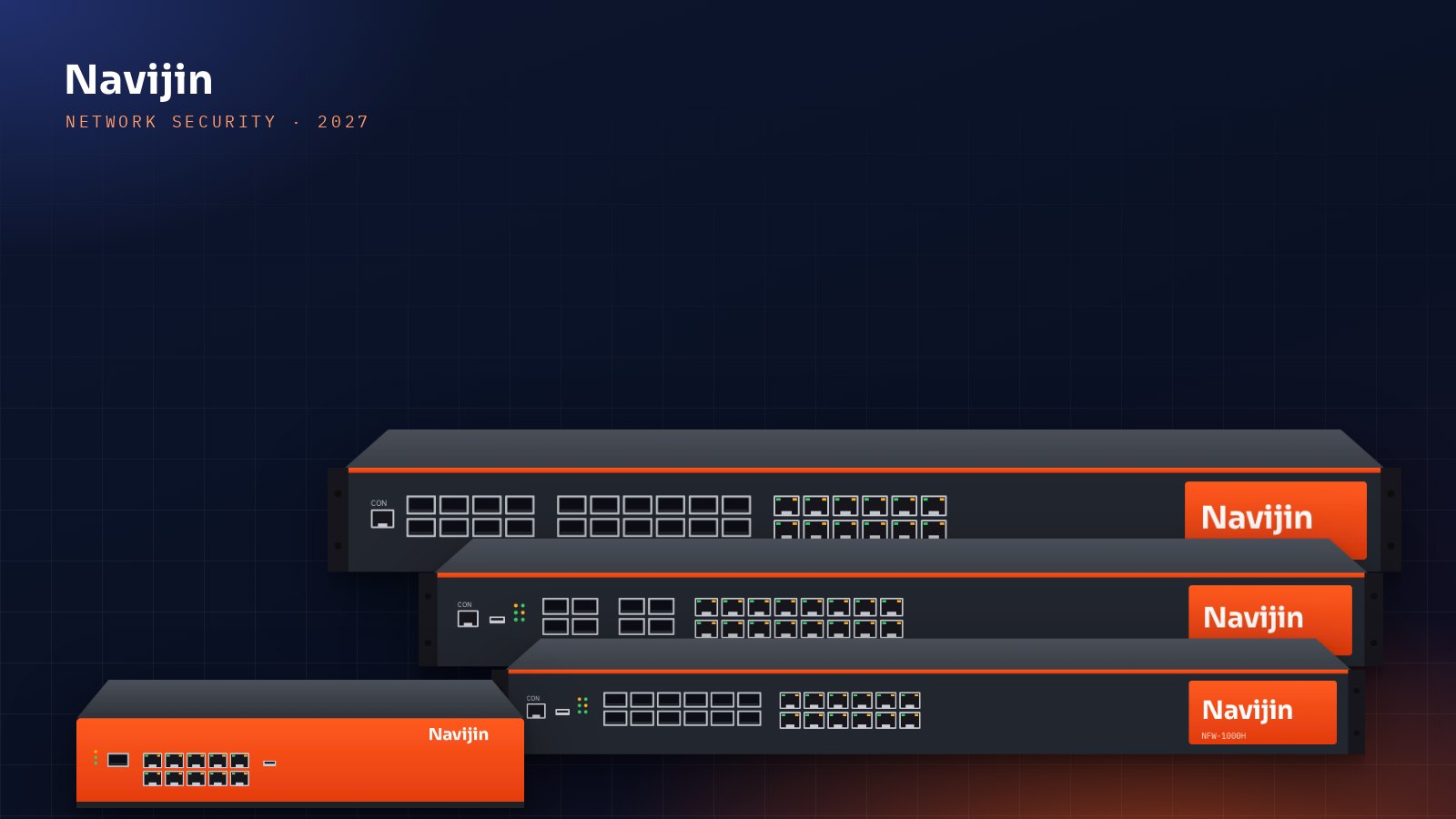
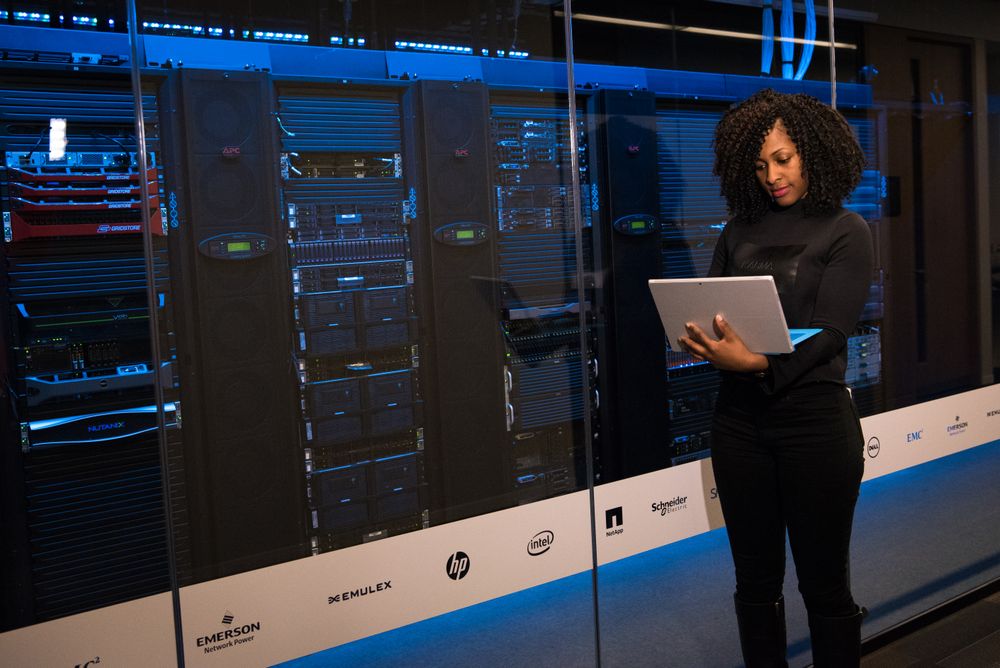
Watching a video explains a VLAN; configuring one makes it stick. Until now, students needed a gateway, access points and switches to do the lab exercises. The Academy lab removes that barrier.
What is in the lab
The lab provides NavCloud with sample customer sites, and simulators of the real NavGATE OS gateway, NavAP OS access point and NavSW OS switch interfaces. The switch simulator runs the switch command line and NavCLI, so students can practise VLANs, trunks, link aggregation, spanning tree, storm control, port security and DHCP snooping, and even trigger events such as a looped cable or a swapped camera to see the protections react.
Safe by design
The lab uses sample data only and is not connected to any real equipment or customer network. It is reset every night, and each enrolled student finds the lab login on their course page during their course period.
Aligned with the lab guides
Every step of the NCNA lab guides has an Academy lab note, so students without equipment can follow the same exercises. NCPE students use the lab to rehearse the NavCloud customer demo.