


No fixed line
Remote and temporary sites may wait months for fibre.

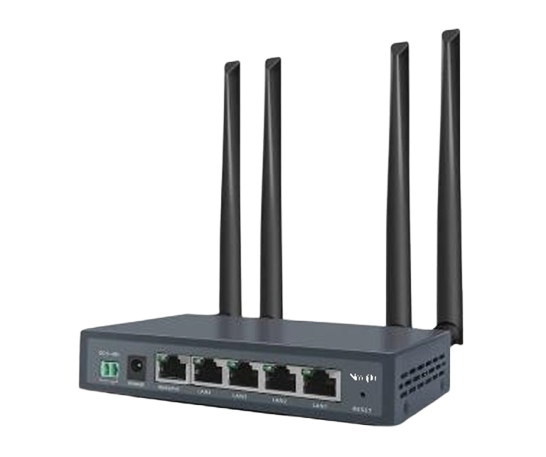
Construction sites, remote branches, kiosks, ATMs, pop-up shops, vehicles and temporary events often need Internet before a fixed line is available, or a backup when the main line fails. Navijin 4G LTE routers turn a SIM card into a reliable Wi-Fi and Ethernet network in minutes.
Use Navijin LTE routers as a failover link for POS terminals, cameras and critical systems, so your business stays online even when the fixed line is down. VPN support keeps remote sites securely connected to head office.
4G LTE connectivity
Not every site has fibre. Navijin 4G LTE routers and CPEs connect remote offices, kiosks, ATMs, construction sites and machines over cellular networks. They can be used as the primary link or as automatic backup for wired Internet.
The challenge
Remote and temporary sites may wait months for fibre.
One broken cable takes a branch offline.
ATMs, kiosks and sensors need connectivity without local IT.
Vehicles and moving equipment need cellular data.
Solution architecture
Industrial LTE routers for cabinets, machines, kiosks and ATMs.
LTE CPE and desktop routers for small offices and shops.
Wi-Fi 6 router with integrated ONU for fibre-connected sites.
Business outcomes
Insert a SIM and connect.
Cellular backup for wired links.
Connect assets where cables can't go.
No civil works for temporary sites.
How we deliver
Our engineers review floor plans, cable routes, user density, camera counts and power, then agree on measurable targets for coverage, bandwidth and uptime.
You receive a documented design: topology, VLAN and IP plan, PoE power budget, Wi-Fi channel plan and a bill of materials using Navijin part numbers.
Switches, gateways and access points are pre-configured and labelled before shipping, so installation on site is fast and repeatable.
Certified partners install, test and document every link. Wi-Fi is validated with a post-installation survey and camera views are signed off with you.
As-built documentation, admin training, firmware guidance, warranty and RMA handled through Navijin and our authorised partners.
Recommended products
Every model below links to its full specifications and datasheet.
FAQ
Yes. Place the LTE router as a secondary WAN, or use it behind a gateway with failover, so traffic moves to cellular automatically when the main link fails.
Use the industrial NR-ILTEG04, which is designed for unattended devices and cabinets.
Place the router near a window or high point, use external antennas where supported, and check operator coverage before deployment.
Share your floor plans or site layout. We return a design, bill of materials and budgetary quotation, usually within a few working days.